Hugger 52 in. LED Ceiling Fan Installation
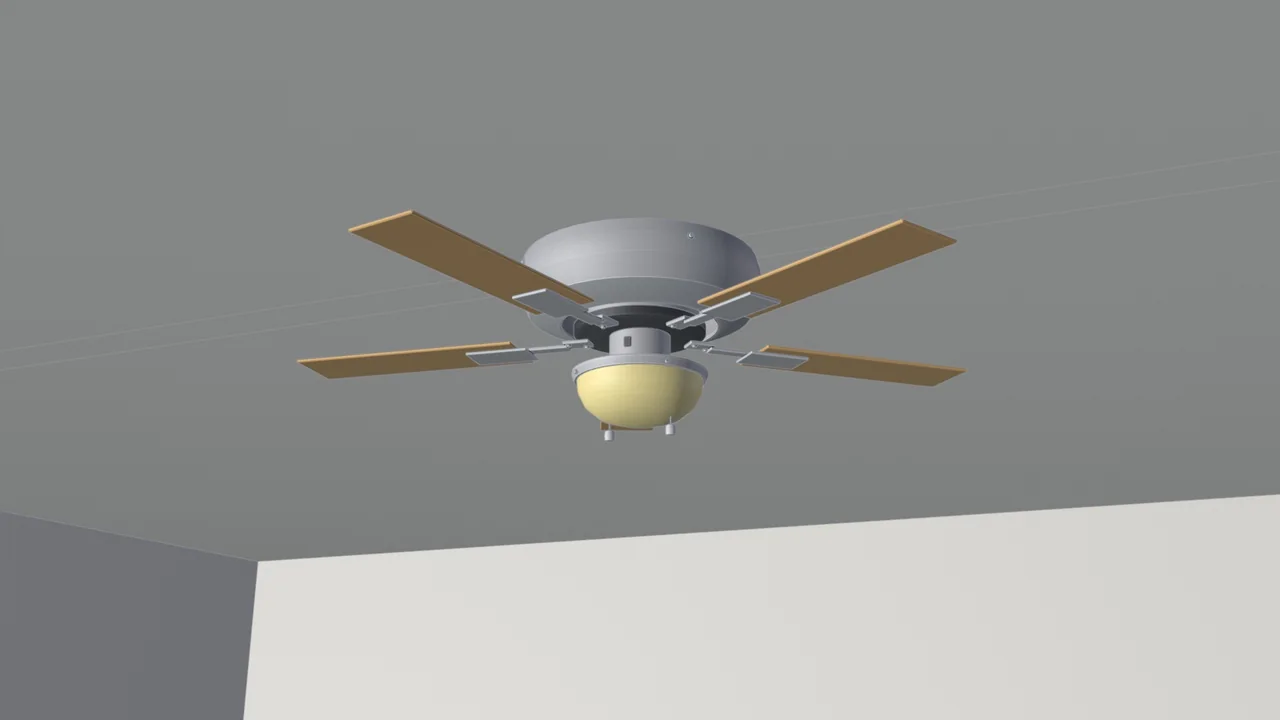
How to install the Hugger 52 in. LED flush-mount ceiling fan sold at The Home Depot (model AL383LED), animated in 3D step by step. Same order and step numbers as the printed use and care guide (steps 1-10). Same installation for every finish; only the color differs.
Safety first. Turn the power off at the breaker and check it is off with a voltage tester before touching any wire. Use an outlet box marked for fan support. Follow your local electrical code. If you are not sure about the wiring, hire a licensed electrician.
Chapters
You'll need
- Phillips screwdriver
- Flat screwdriver
- Wire stripper
- Electrical tape
- Voltage tester
- Step ladder
- A helper
Independent, unofficial guide. Not affiliated with, sponsored or endorsed by The Home Depot or the fan's manufacturer. Product names and numbers are used only to identify the product. The 3D models, animation and wording are our own. Always follow the printed instructions and safety warnings that came with your product.